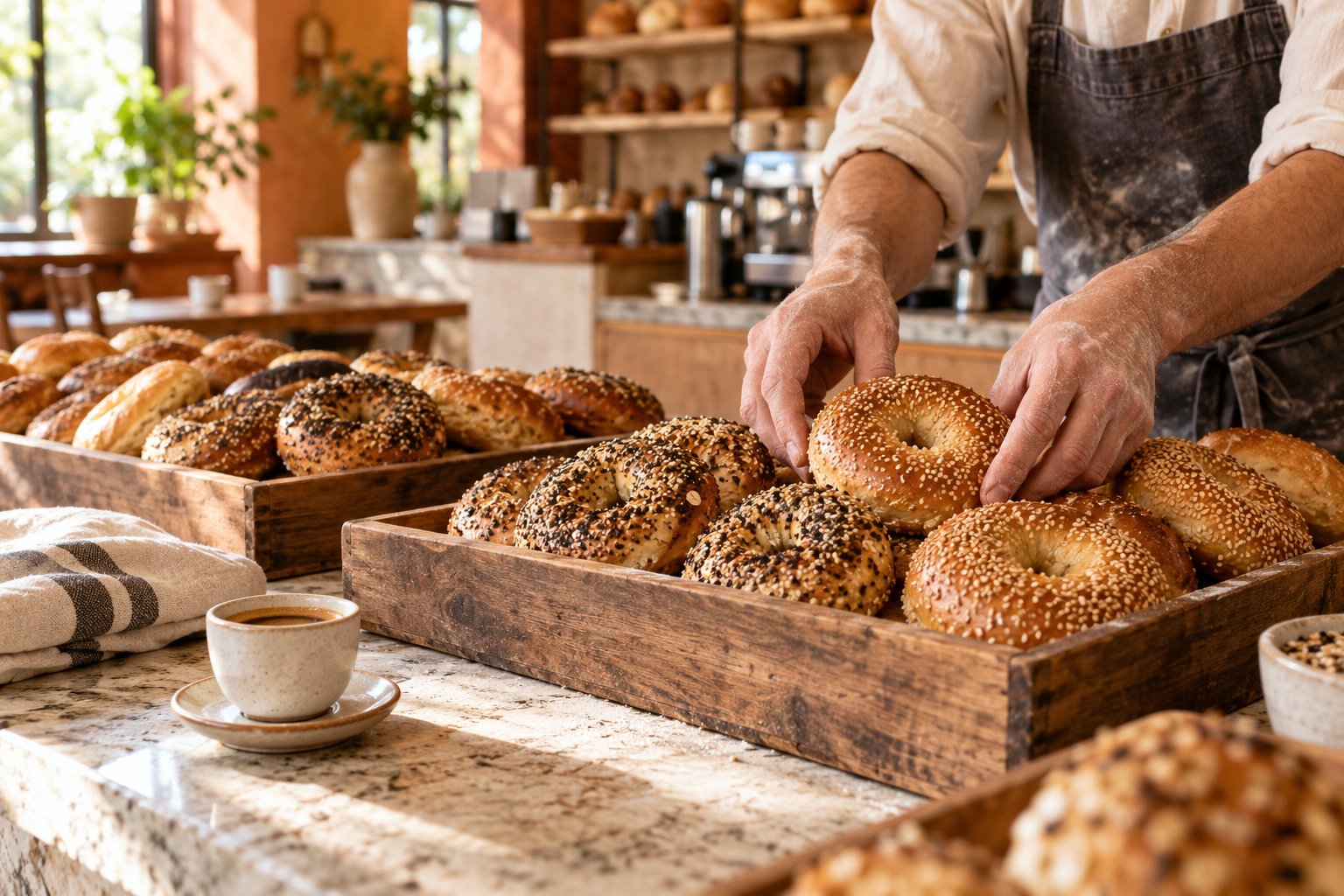
A storefront that feels like you.
Your restaurant’s colors and menu, with customizations that guests can understand.
You bring the good food. Bring your menu, pickup orders, and kitchen together with CheckoutRite.
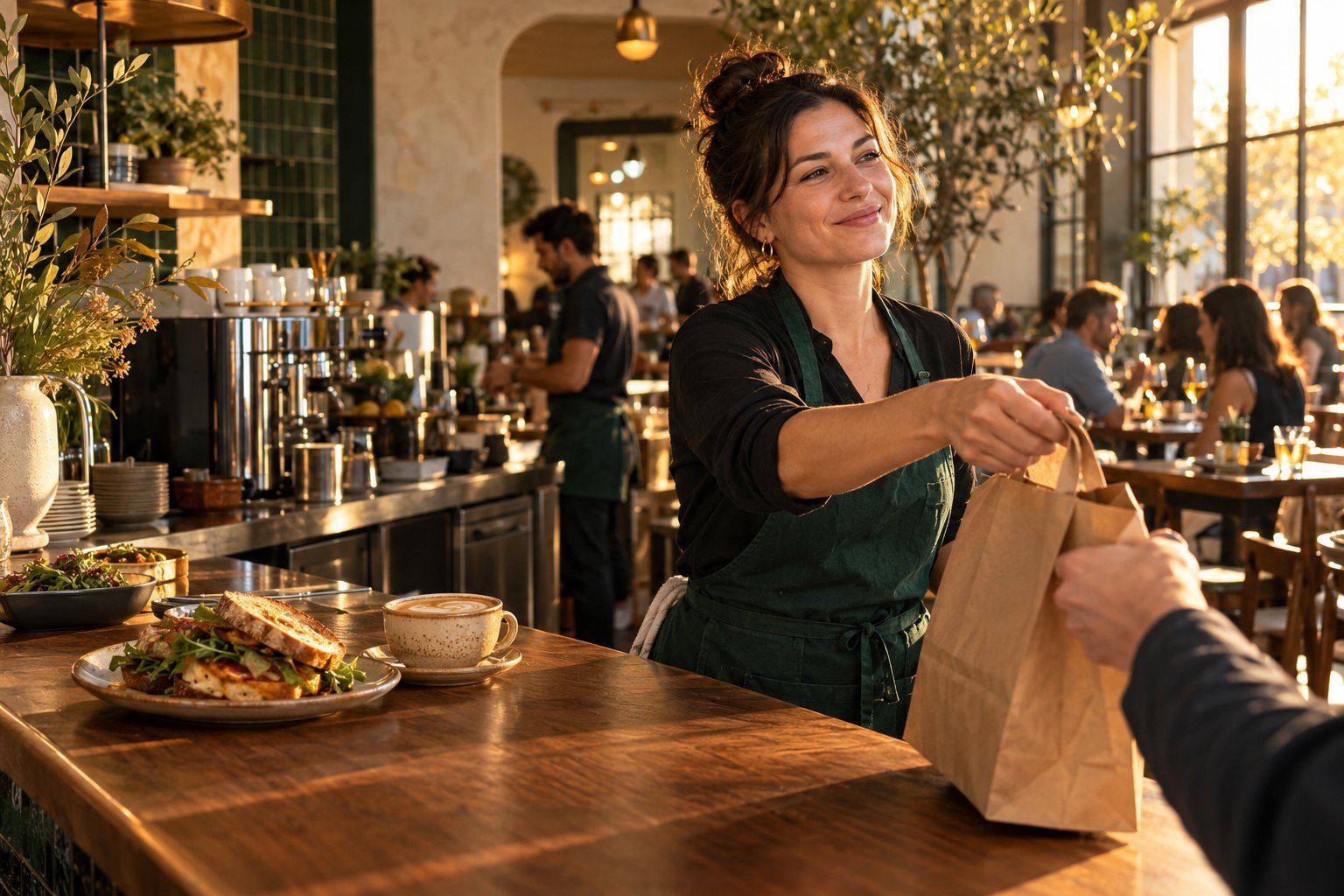
From the first menu browse to the last pickup.
A clearer flow for you, your team, and your guests.
Put your menu in your guests’ hands with a storefront that feels like you. Sizes, extras, and pickup orders, all in one place.
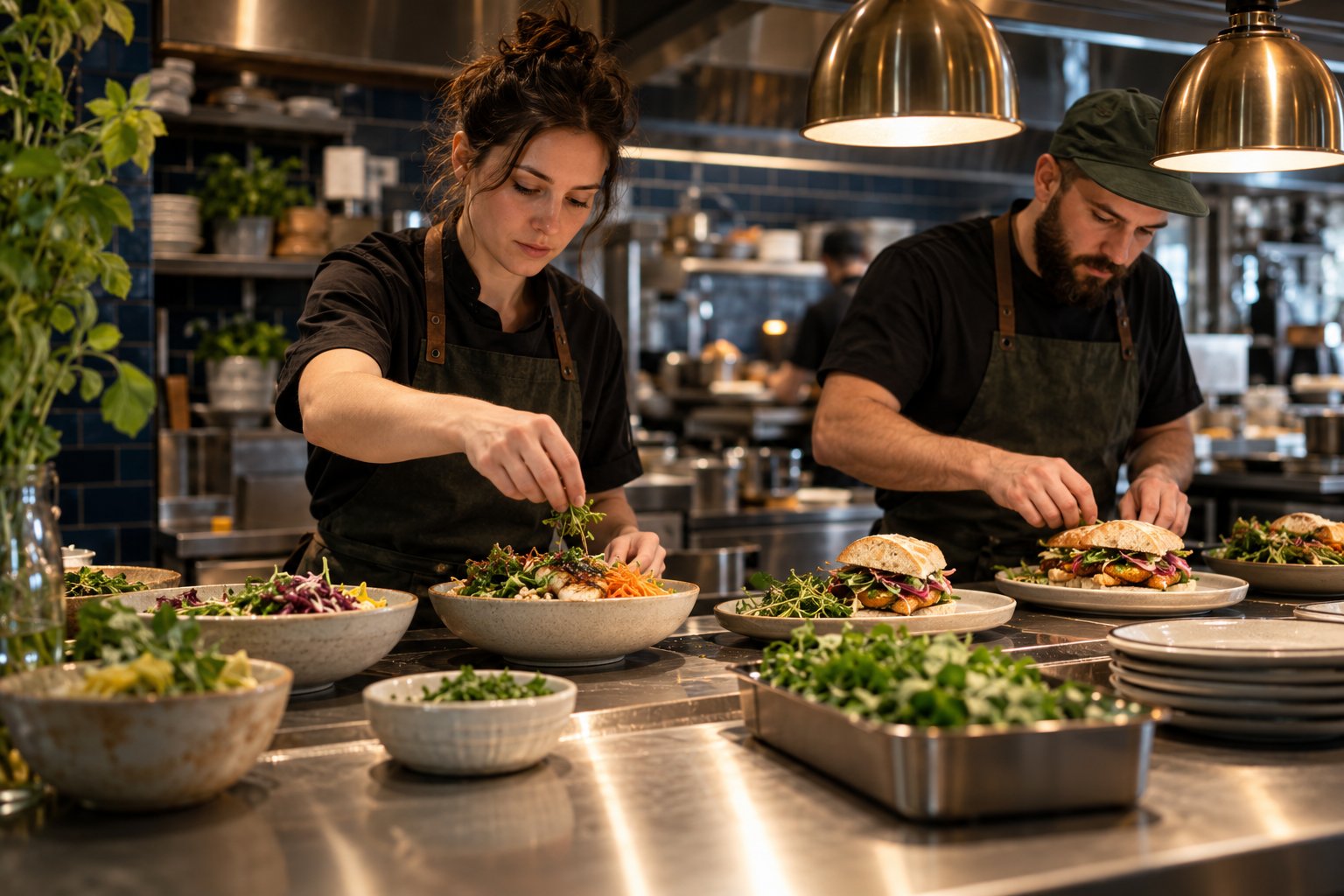 FROM THE FIRST CLICK TO THE FINAL HANDOFF.
Your guests should enjoy choosing. Your team should know what’s next. Bring the details together, without losing the personal touch.
Guests browse your branded menu, choose a size, and add their favorites.
A simulated approved checkout creates an order and a kitchen ticket together.
Your team updates preparation status. Guests follow along while their order page stays open.
Your restaurant’s colors and menu, with customizations that guests can understand.
Order details and preparation status in one workflow for owners and paired kitchen screens.
Keep changes in a draft. Review categories, prices, sizes, and extras before publishing.
Your name, your colors, your menu. A direct ordering experience that belongs to your restaurant.
Keep the guest’s choices and the kitchen’s queue connected, from checkout to pickup.
We’re building the essentials thoughtfully, with simulated payments while the platform takes shape.
We’re starting with the restaurant order journey. Every expansion has to earn its place in your day.
Menus, pickup carts, simulated checkout, owner dashboard, and paired kitchen screens.
Read permissions are saved. Merchant authorization, menu reads, order sync, and printing validation still need to be completed.
Live processing, certified terminals, printers, and native device support require separate integrations and testing.
Loyalty, messaging, useful reporting, and additional business types will follow validated merchant needs.
Tell us what happens at your counter, what slows down pickup, and what your team needs from an ordering system.
Discuss a pilot ↗No subscription activated. Future software, processing, hardware, and setup costs will be explained separately.
Practical starting points for your first walkthrough.
Start with your core items, prices, size choices, and extras. Decide which choices are required, and check that modifier limits make sense. Pick one item and test every available combination.
Identify who watches incoming orders, who starts preparation, and who marks an order ready. Walk through one sample order with your team and decide where a dedicated kitchen screen would help.
Before live service: verify merchant authorization, payment handling, tax setup, privacy and terms, staff access, customer notifications, hardware compatibility, monitoring, and recovery procedures.
Restaurants are our first focus, especially bagel shops, cafés, bakeries, and quick-service pickup businesses. Retail and service workflows are possible future directions, not currently supported products.
Not yet. This is a hosted simulated trial with simulated payments and synthetic test data. Operational readiness, legal review, and payment-provider approvals are still ahead.
A Clover sandbox developer environment is being prepared. CheckoutRite does not currently connect to a live Clover merchant, synchronize production orders, or trigger kitchen printing.
Commercial pricing has not been set. There is no paid CheckoutRite subscription or live processing offer in this preview. A future proposal should clearly separate software, payment processing, hardware, and any implementation costs.
No hardware purchase is part of the current preview. Any future POS connection or device recommendation will depend on validated compatibility and your restaurant’s needs. Do not replace your operating system based on this demo.
The current menu studio lets you build and publish a menu manually. Managed migration, staff onboarding, and ongoing support packages have not launched; those requirements can be discussed during a pilot conversation.
Try the hosted trial: create a store, publish a menu, place a simulated pickup order, and follow it through the kitchen.
Store setup · Menu customization · Simulated checkout · Order dashboard · Kitchen display
Still aheadLive payments, Clover integration, certified hardware, offline operations, subscriptions, email verification and password recovery. Use sample orders only; no real card or customer details.